


Can’t Find It? Stop searching through boxes.
Turn any box, shelf, or storage space into a searchable inventory. Scan a label, find exactly where your stuff is — in seconds.

How TidyBox Works
Smart storage in three simple steps.
Stick or Print
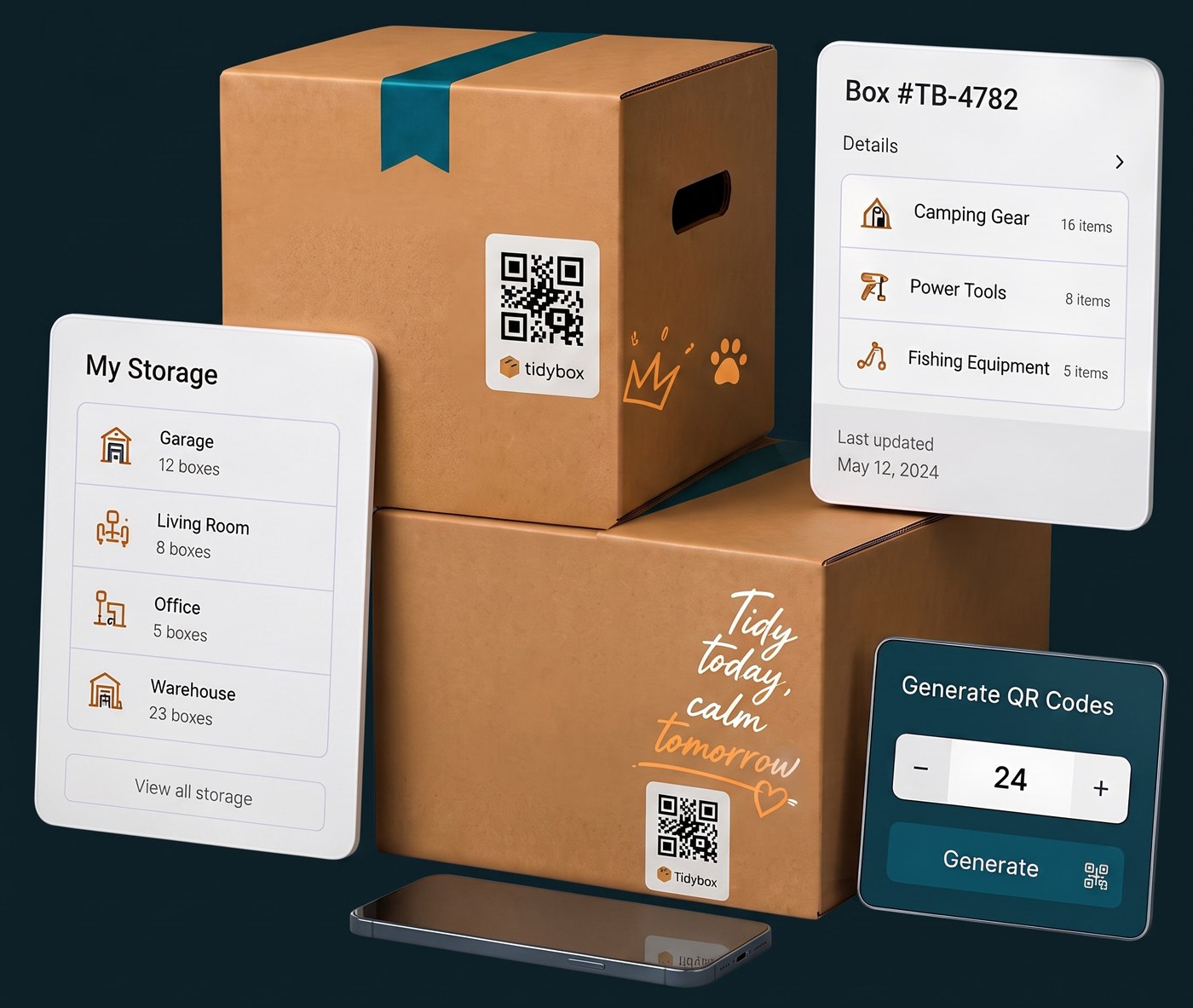
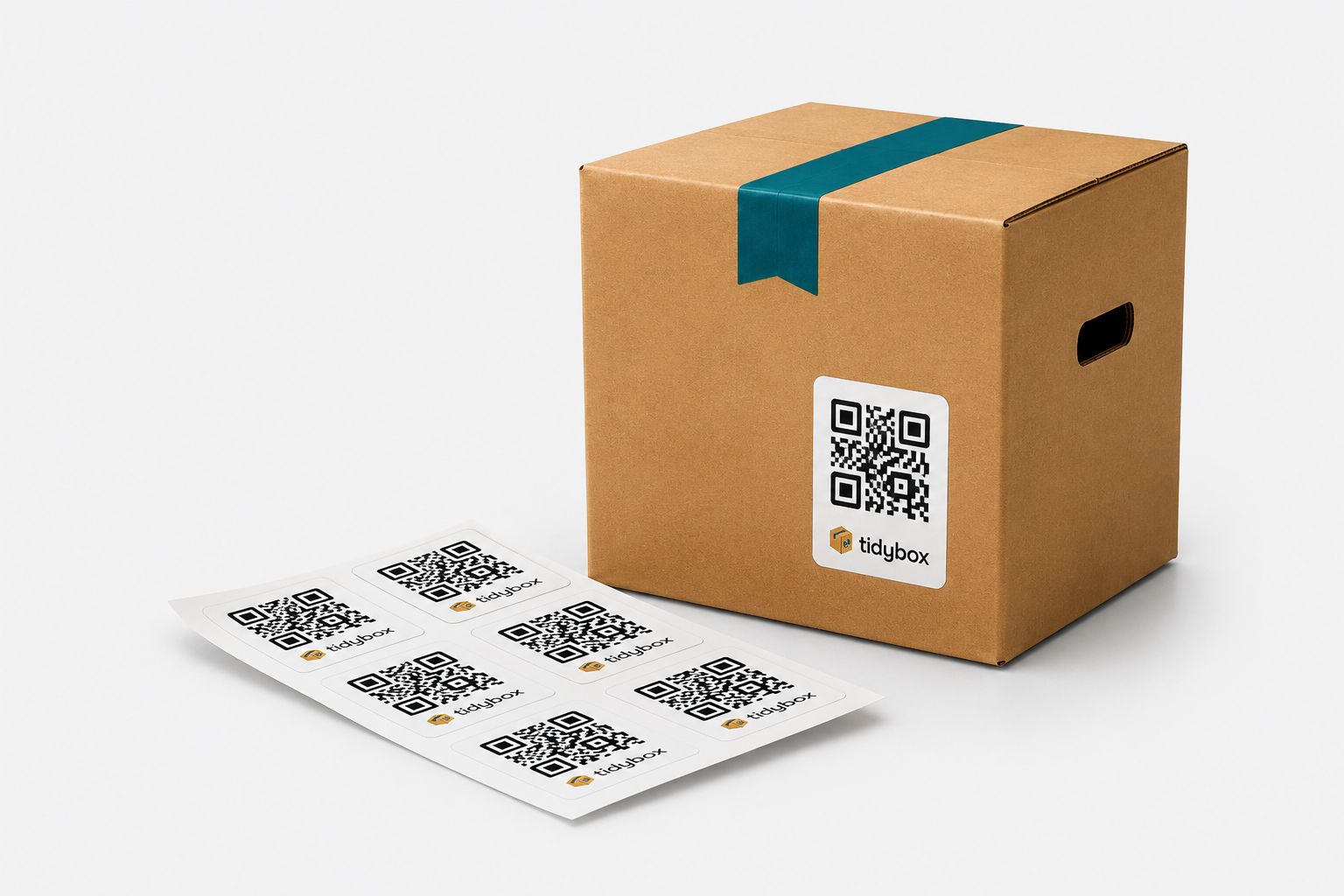
Buy TidyBox smart labels or generate and print your own. Put them on any box, folder, or bin.
Scan & Snap
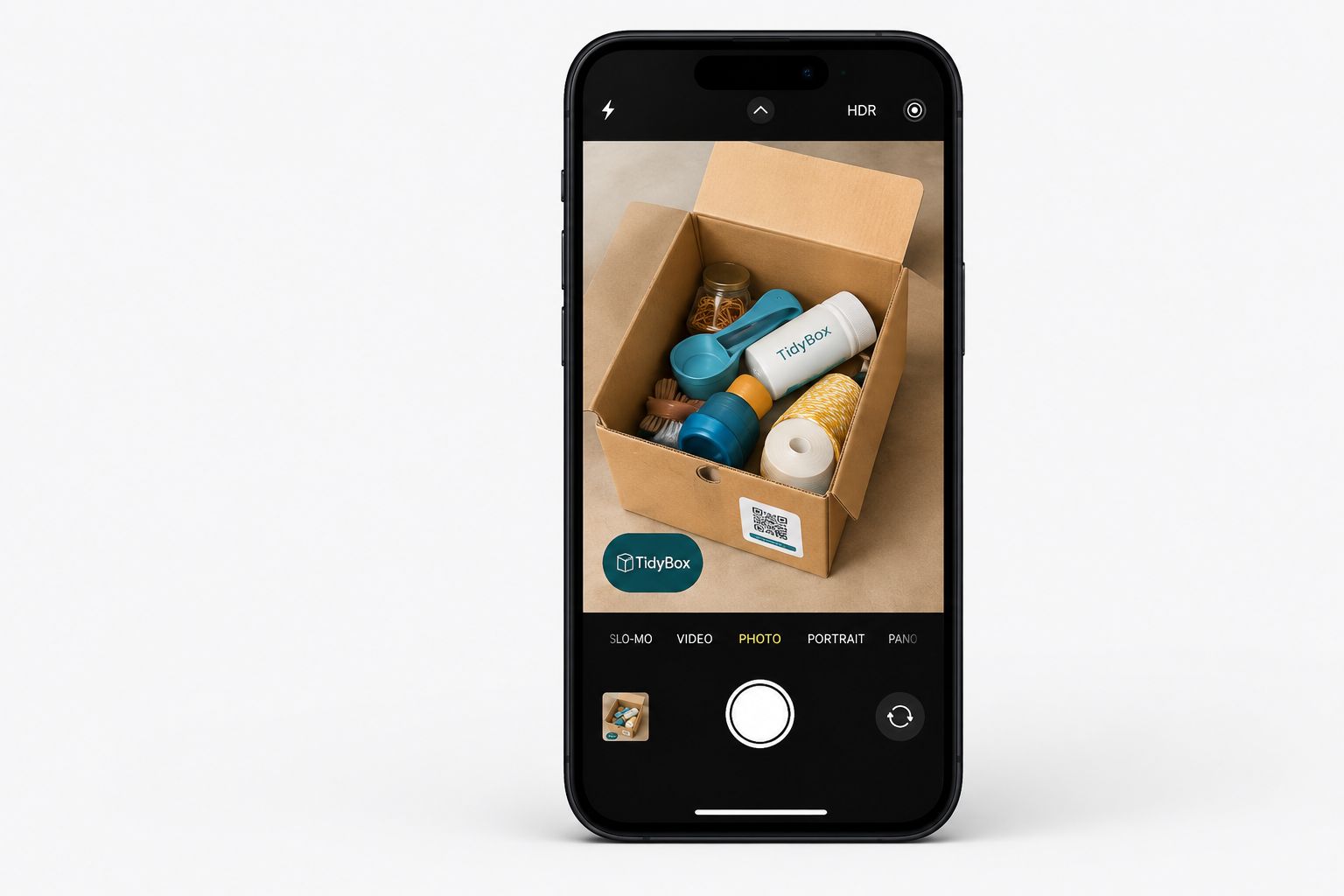
Scan the label with your phone. Take one photo of the contents. AI recognizes everything instantly.
Find Fast
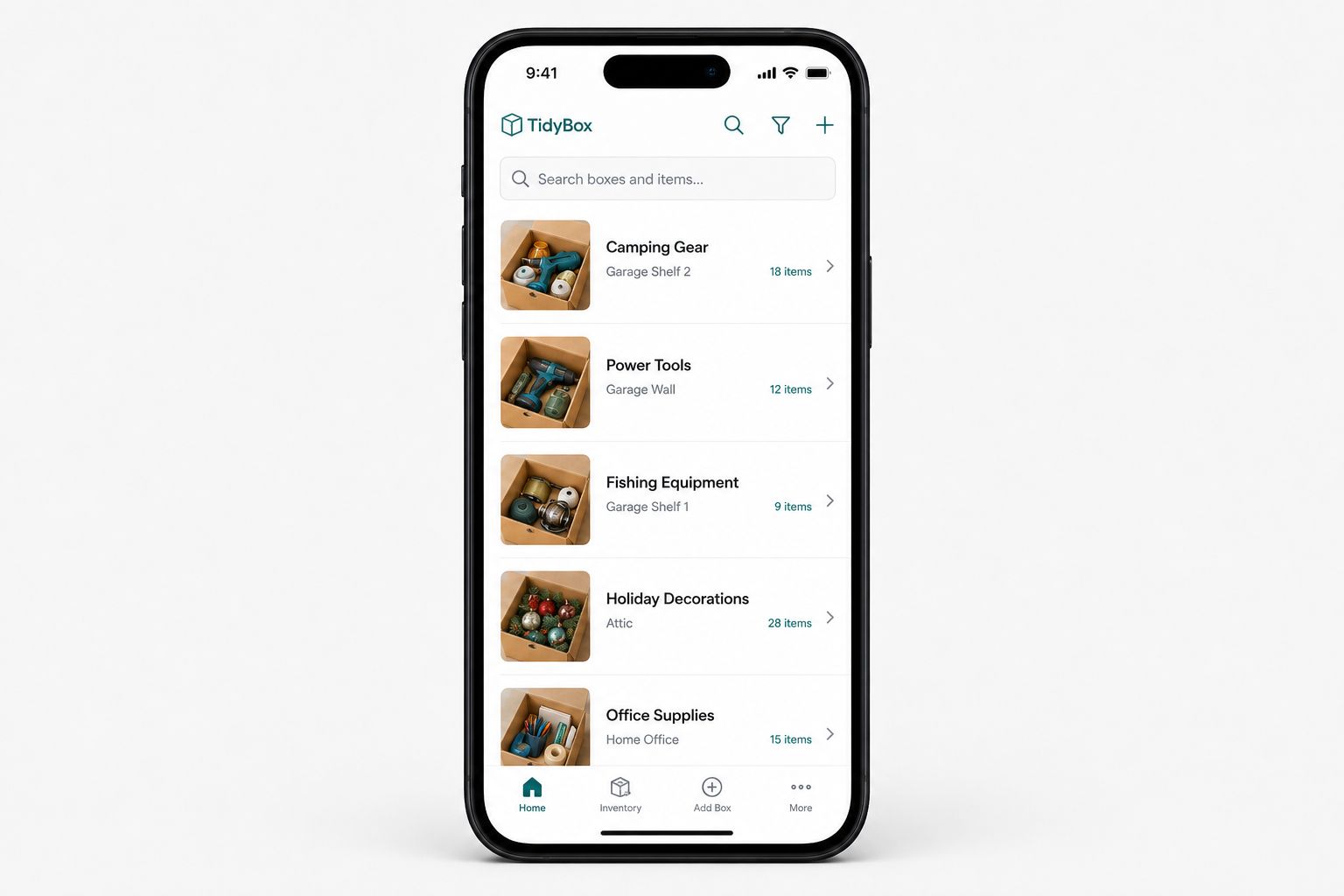
The next person scanning the label instantly sees the inventory list without opening the box.
Watch: from first scan to finding an item
One minute of real footage: scan a fresh sticker, photograph the contents, AI lists the items — and collection search finds any of them later.
Transcript
Powerful Features
Advanced AI Recognition
Zero manual data entry. Advanced AI models will recognize items in your photo and build a searchable list automatically.
Open-Label Model
No registration required to scan or edit an unclaimed box. Seamlessly organize shared family units or moving boxes.
Box-Level Chat & Alerts
Leave notes on the box's page. Be notified via Push, Telegram, or Email when someone scans your items.
Multilingual Support
The interface automatically adapts to the phone's language. Great for international households, teams, and logistics.
Collections: Boxes That Work Together
Group related boxes into a collection — one owner, one shared search. Add items to any box and find them across the whole collection in seconds.
- One search across every box
- One owner, zero double setup
- Perfect for a room, a household, or a warehouse
From Open Label to Full Control
Fresh labels start unclaimed: anyone who scans one can add items and edit the list — perfect for moving day or shared spaces. Claim a box or a whole collection to your account, and you decide who sees and edits what.
- Unclaimed labels are open to every scanner
- Claiming links boxes and collections to your account
- Owners set access for boxes, collections, and locations
Transcript
Built for Every Use Case
Households & Small Shops
Garages, attics, hobby bins, archives, small shop backrooms. Build a brilliant organizational system replacing bulky ERP software. Just stick and scan.
For Businesses
Sell smarter boxes and sticker sets, provide labeled moves, or organize client storage. Generate labels in bulk and keep your brand—and a “Buy more” link—on every scan.
Simple, Transparent Pricing
Pick the plan that fits your organization scale.
Free
Perfect to test the magic.
- 25 smart labels per month (5 per batch)
- Basic AI recognition (5 per label)
- Generate your own labels
- Box chat & alerts
- Up to 5 photos per box
Pro
For households and small storage rooms.
- 50 smart labels per month (10 per batch)
- Full AI recognition (10 per label)
- Location dashboard & search
- Advanced privacy controls
- Up to 25 photos per box
Business
For businesses selling boxes and smart labels.
- 1,000 smart labels per month (1,000 per batch)
- Premium AI recognition (25 per label)
- Up to 10 brands & "Buy More" links
- Bulk API & MCP for Claude, Codex and other AI assistants
- Up to 50 photos per box
- White-label stickers with your own design (paid add-on)
Frequently Asked Questions
Everything you might want to know before you stick your first label.
Can strangers see my stuff if they scan a box?
Only if you allow it. Every box has a privacy mode: Public (anyone can view and add items), View only (anyone can view, only you edit), or Private (visible only to you and people you invite). For collections, one setting covers every box at once.
Do I need to install an app?
No. TidyBox works right in the phone browser: point the camera at the label and the box page opens. Nothing to install — for you or for anyone who scans your boxes.
What are collections?
A collection is a handy set of linked smart labels that work together. Claim any single code — and the whole collection is linked to your account at once. Items are searchable across every box in the set, so one search covers the entire room, household, or warehouse. Watch the 1-minute video
How does the AI recognition work? What if it makes a mistake?
Take one photo of the contents — AI recognizes the items and turns them into a list. The list stays fully editable: rename items, change quantities, remove anything, or add items manually.
Do my family members need their own accounts?
No account is needed to view or add items to public boxes. An account is only needed to own boxes and collections, or to accept an invitation with View or Edit rights.
What do I print the labels on? Will they survive in a garage?
For everyday use, simply print the labels yourself on sticker paper. For professional or high-wear use, you can order our professional laminated vinyl stickers that resist damage and wear.
What happens if I stop paying?
All your boxes keep working and your data stays in place. Your plan simply drops to the Free limits: AI recognitions go from 10 to 5 per label, and for Business accounts the custom branding disappears from scan pages.
What if a label gets lost or damaged?
Open the box settings and download the same QR code as a PNG again — print it and stick it on. The link and the contents stay exactly the same.
Can I organize boxes by rooms or places?
Yes. Assign boxes to locations (garage, attic, storage unit), or even nest a box inside another box. Everything stays searchable from your dashboard.
How many labels and AI recognitions do I get?
Free includes 25 new smart labels per month with 5 AI recognitions per label. Pro gives you 50 labels per month with 10 recognitions each, and Business — 1,000 labels per month with 25 recognitions each. Unused monthly labels do not carry over; purchased 100-label packs never expire. See the pricing section above for details.
Does it work offline?
The labels are ordinary QR codes, so any camera can scan them. Viewing and editing the contents needs an internet connection.
Which languages are supported?
34 languages, including all official EU languages. The scan page automatically adapts to the phone's language.
Can I export my inventory?
Yes. Download the item list of any box or a whole collection at any time, and export your QR codes as a ZIP or CSV file.
Can I use TidyBox for my business?
Yes — Business lets you manage up to 10 brands, each with its own logo, colours, text and "Buy more" link. Choose a brand when creating a collection or batch. Updating that brand in your profile automatically updates the scan pages of all linked boxes. Existing sticker designs stay unchanged when reprinted. Business also includes a bulk management API, MCP integration with Claude, Codex and other AI assistants, and batches of up to 1,000 labels.